About the Screen Inspector
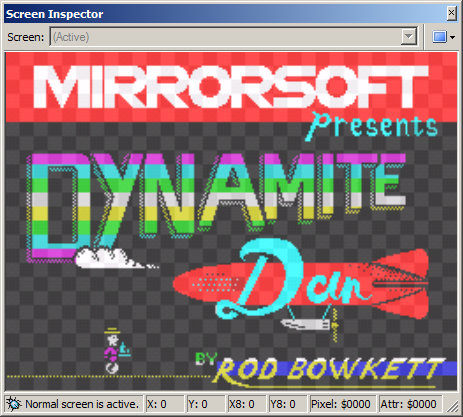
The Screen Inspector is a tool that allows you to view the contents of the Spectrum's screen memory.
It is useful for debugging graphics routines since it shows the current state of the screen(s) rather than just what is currently visible on the TV screen.
Features include:
View the normal screen or shadow screen (Spectrum 128+ only).
Show just the pixels or the pixels and attributes.
Turn off the flash attribute.
Show 8x8 pixel grid.
See immediate updates when stepping through code in the debugger.
Quick access to set pixel/attribute breakpoints via context menu.
Status bar to show the pixel and attribute addresses under the mouse pointer.