To install a Render plugin
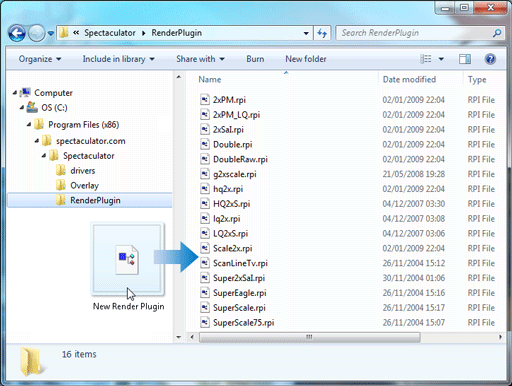
Open Windows Explorer and navigate to the directory Spectaculator is installed (normally C:\Program Files (x86)\Spectaculator).
Copy the Render plugin (.RPI file) to the RenderPlugin folder.
Restart Spectaculator.
Enable the new Render plugin.
Note
If the zoom size for the window is less than 200%, Render Plugins are automatically disabled.