
Spectaculator can run on Linux via Wine. We’ve been running it on Linux Mint ourselves the past couple of years.
Installing and configuring Wine is beyond the scope of this document but this simple quick guide assumes a Debian derivative such as Ubuntu or Linux Mint.
You must be familiar with the Linux terminal and run the following commands:
(ignore lines with #s, these are comments)
# Install Wine
sudo apt install wine
# Optional configuration
winecfg
Install Spectaculator
# Install Spectaculator (assumes Spectaculator90.msi is in the current folder)
wine Spectaculator90.msi
Running Spectaculator
# Run wine explorer
wine explorer
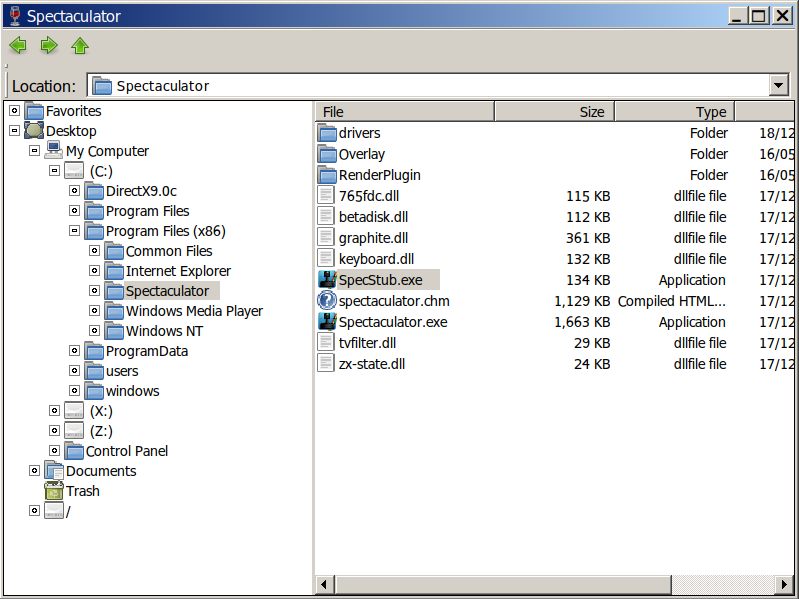
Navigate to the Spectaculator folder and double-click SpecStub.exe to start it.
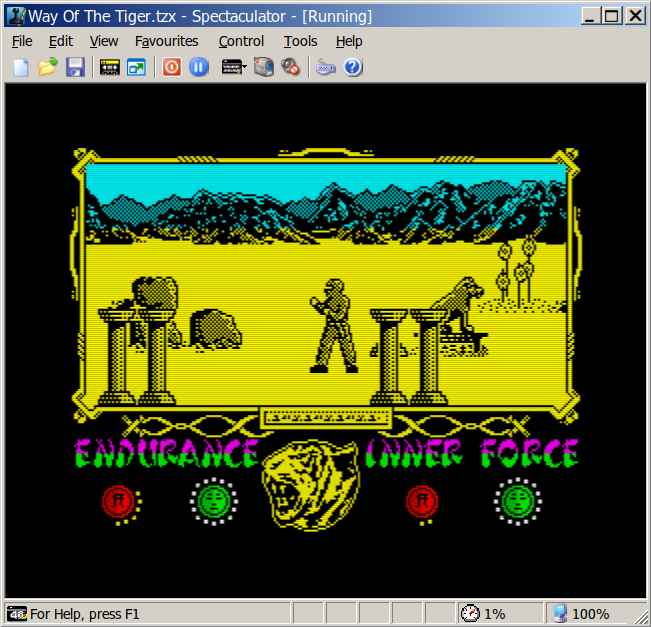
Spectaculator will now run:
Further customisations are possible, such as creating applet on a Cinnamon panel to start it.