To select a block of memory
On the debugger Edit menu, click Make Selection.
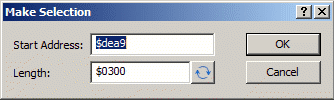
Enter the Start Address and End Address of the memory block you want to select.
Tip
Click the
 button to switch between end address and length (in bytes).
You also also use the mouse to drag out a selection. Hold down the Shift key to extend the selection.